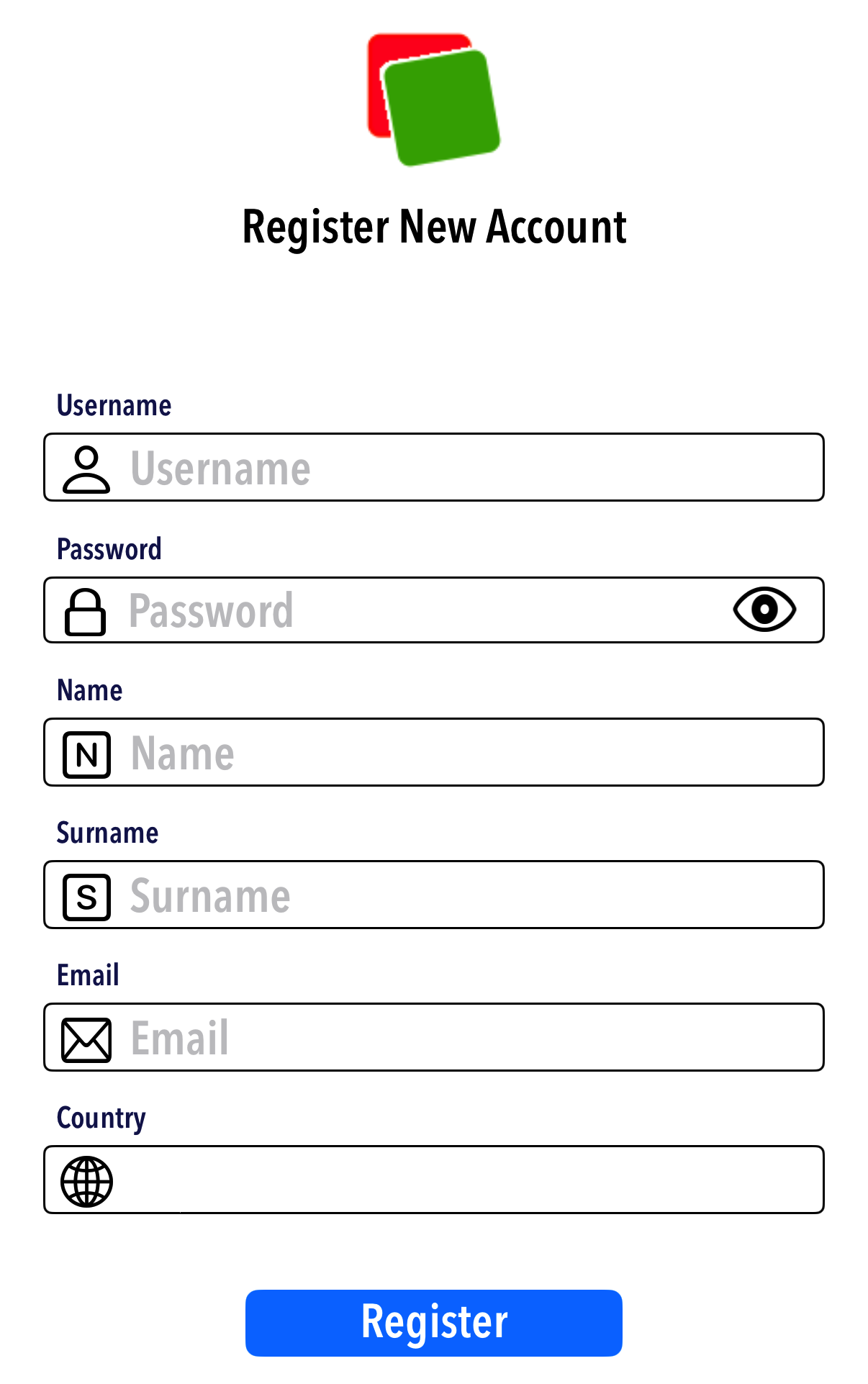
Chose a username and password and input your data
Download the app for your device and launch it. You will be presented with the log in page. Click on the Register Button
Enter your data in the Register page. Make sure you enter a valid email as this will be used to validate your registration
Click on the Register Button
You will see a text saying "Registration Successful: Please Check Your Email"
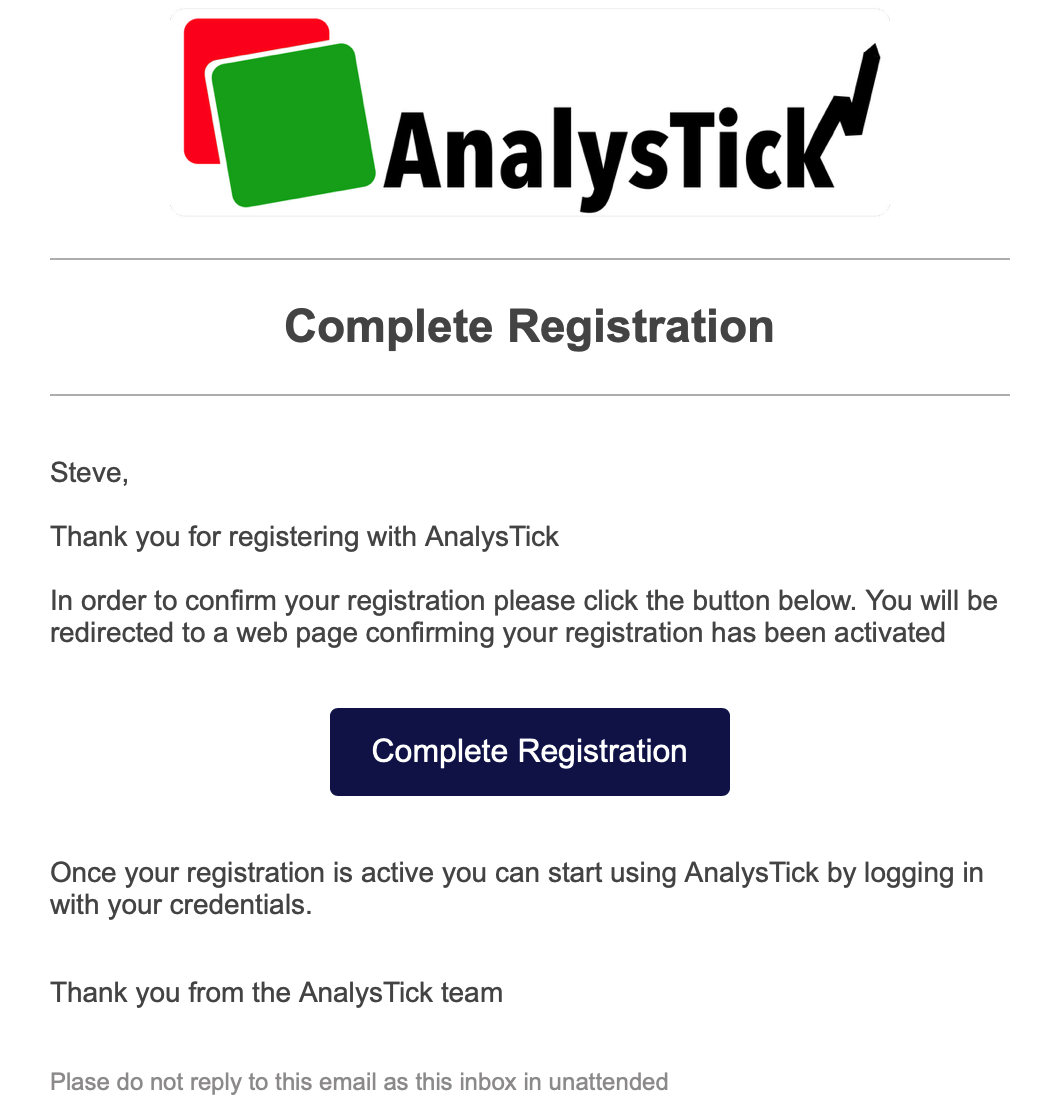
Receive email and complete registration
You will receive an email from registration@mail.analystick.com. Please check your spam folder in case you don't receive it
Click on the Complete Registration button in the email to finalize your registration. You will be directed to a page on your browser confirming your successful registration
You can now use your username and password to log in to your account
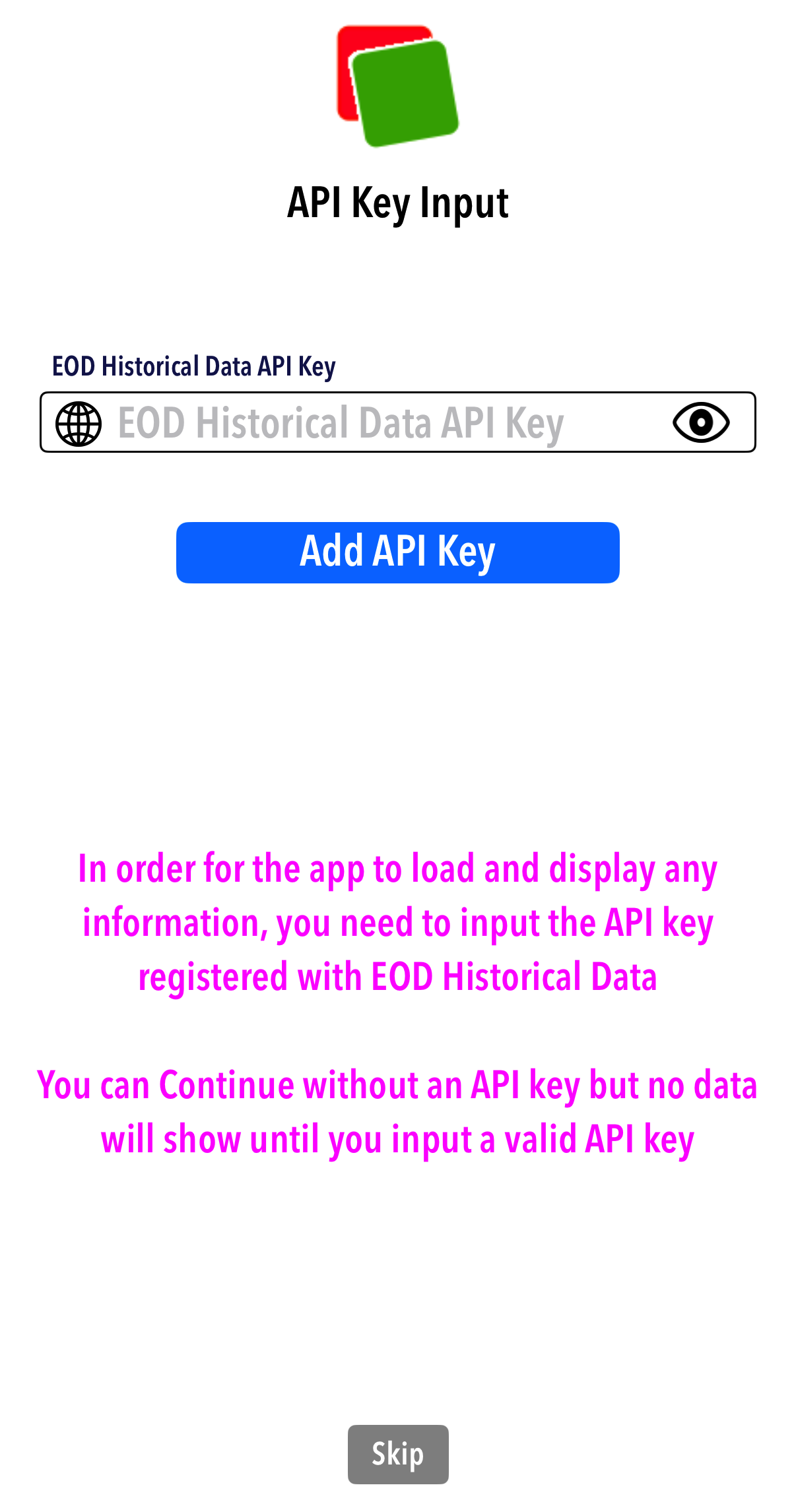
Input API Key
If its your first log in or you have cleared the API key from your device, you will be presented with a page to input your data provider API key
This is the API key you use to access your data provider's data
The API key will only be stored on your device and used by the app to retrieve data directly from your data provider.
We will not have access to your API key and it will only be used by the app on your device when you use its features.