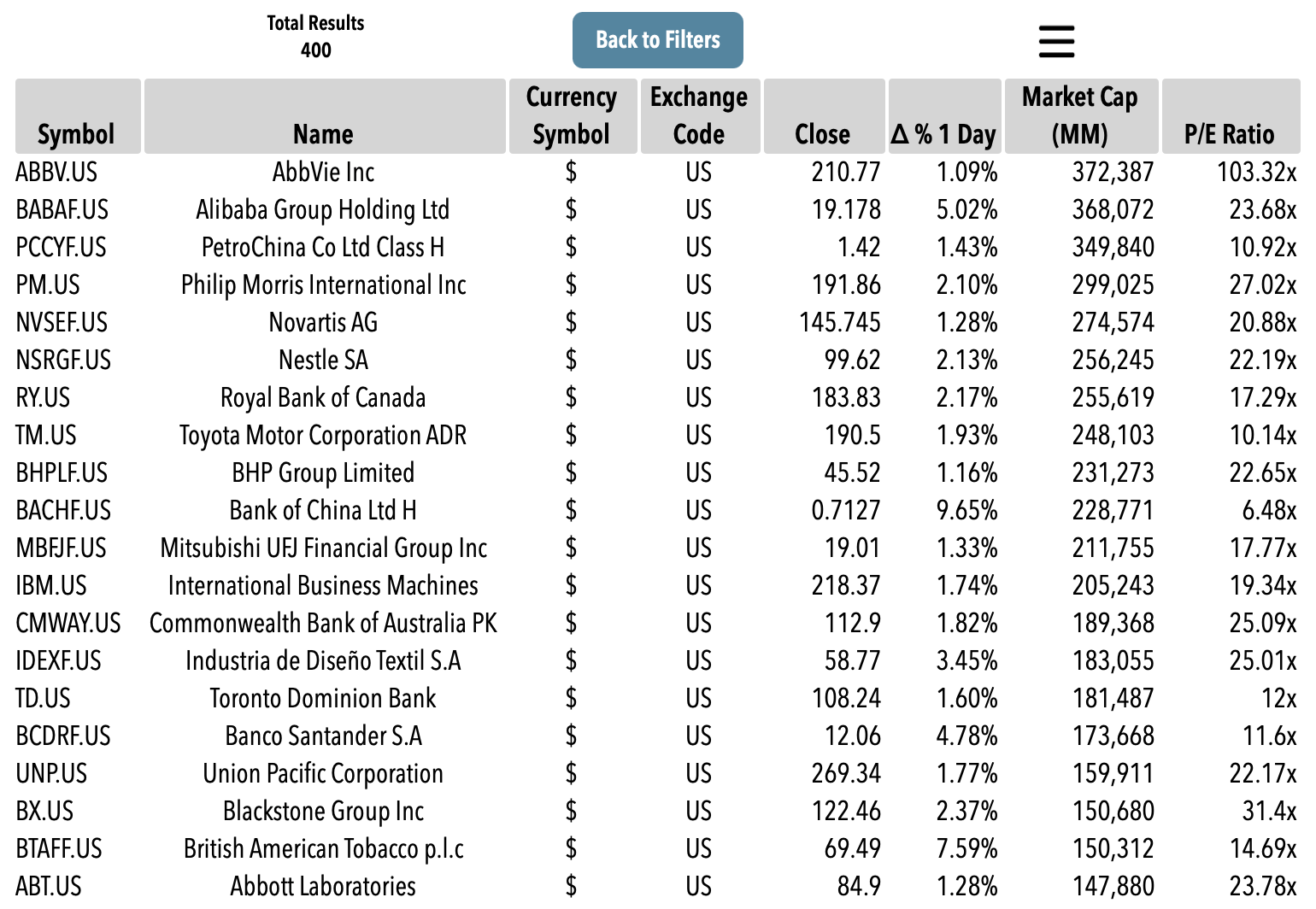
 Powerful Search Engine

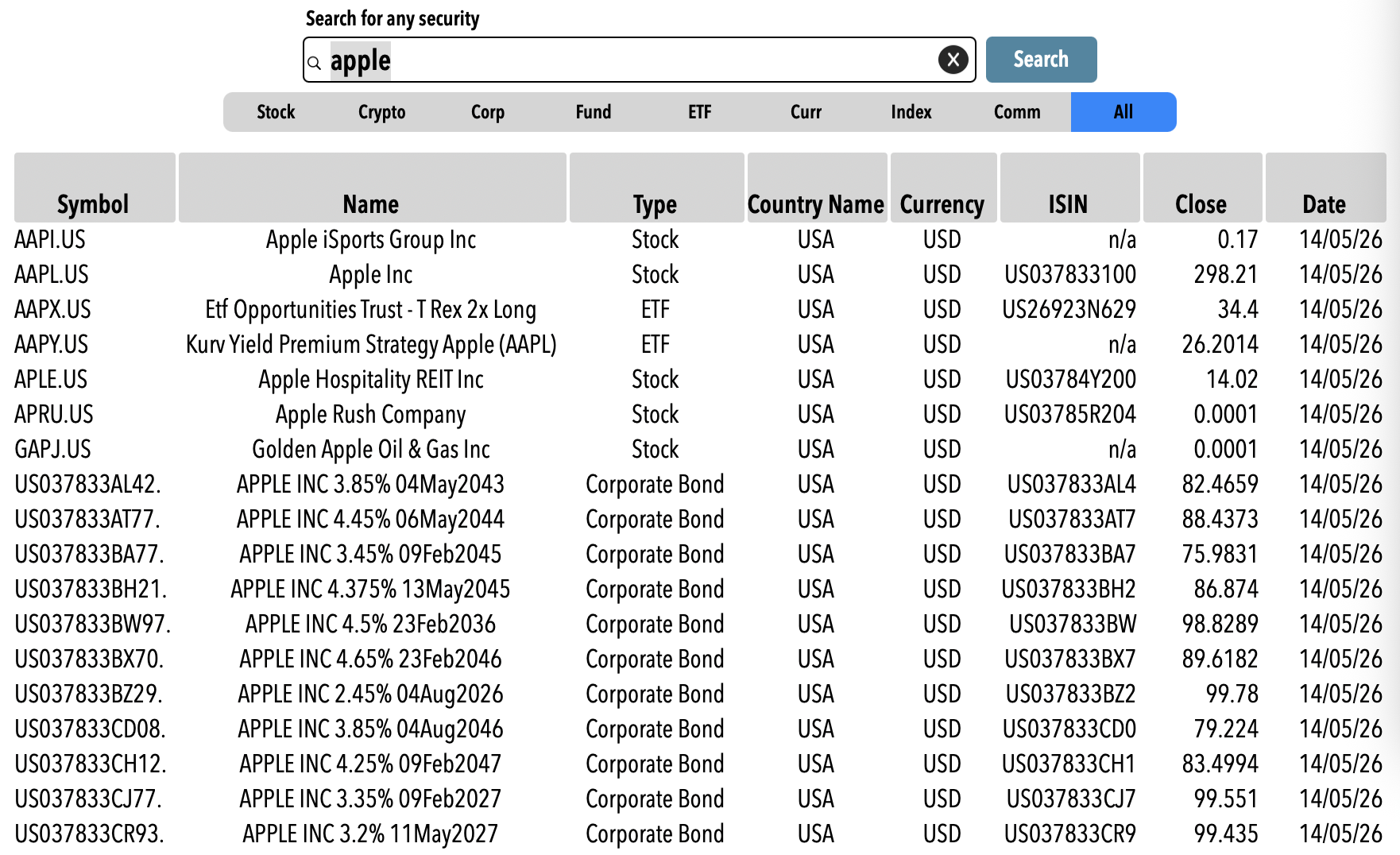
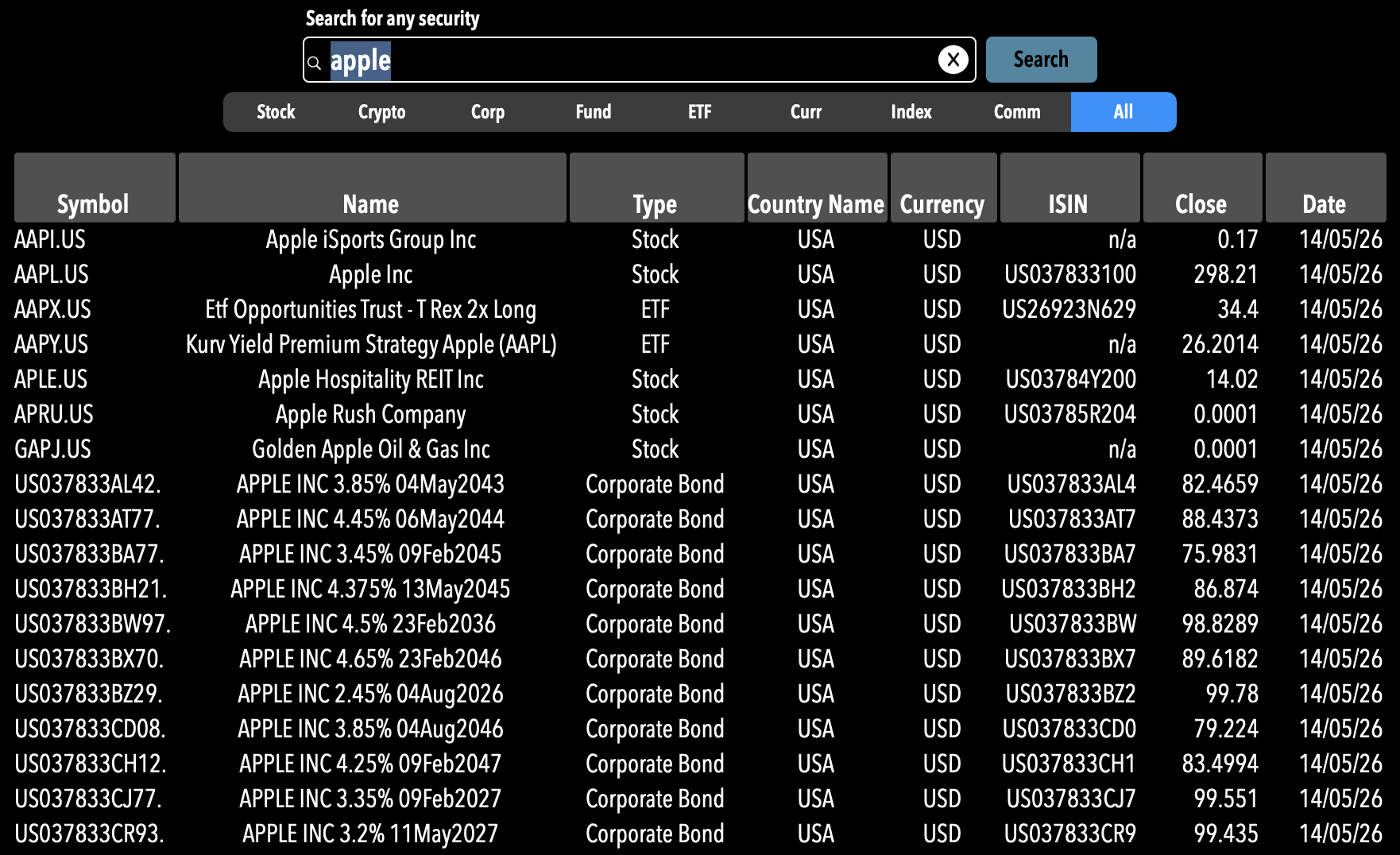
Search
Search for a single security by name, symbol or ISIN
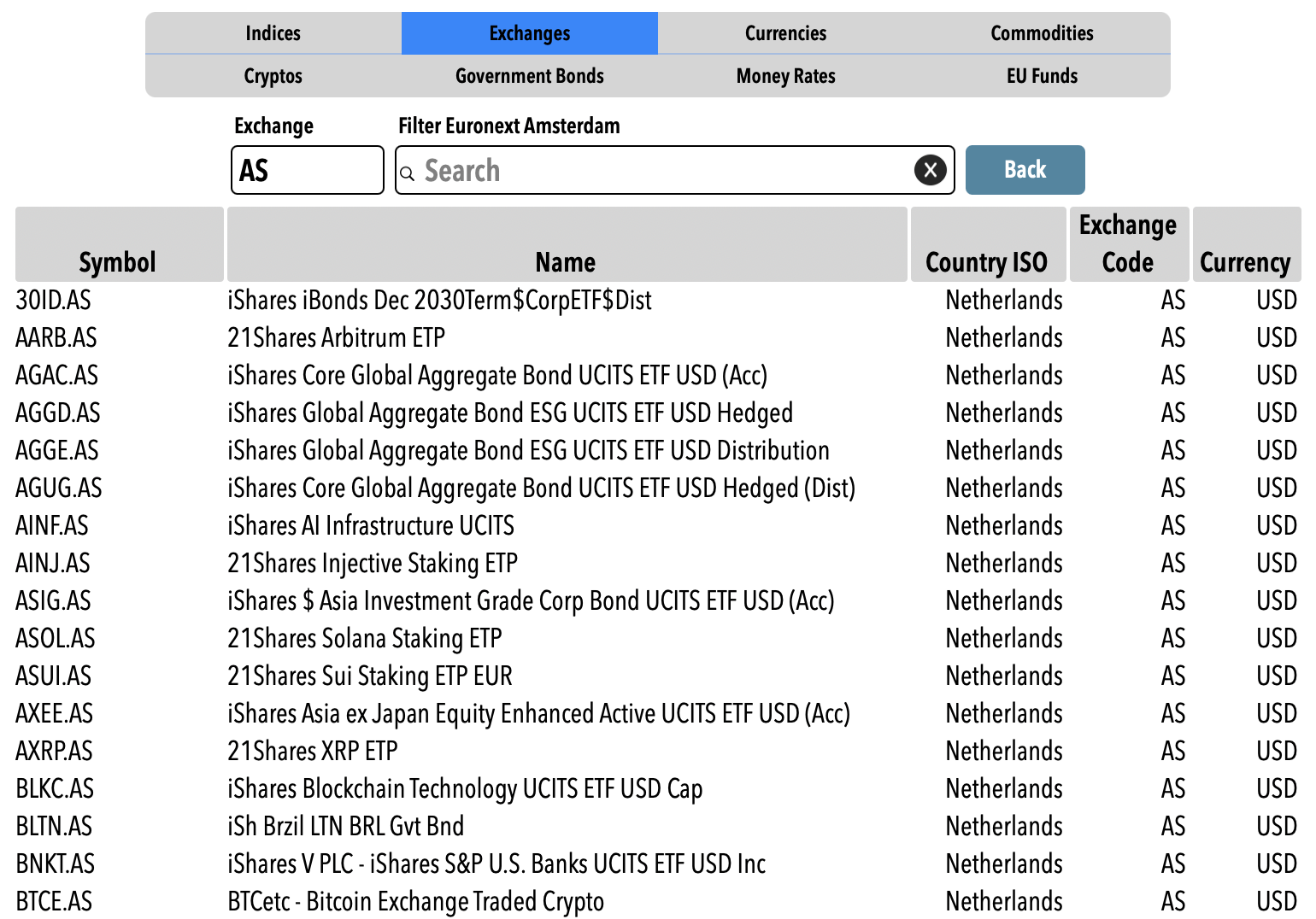
Explore
Navigate all supported data by type: Indicaes, Currencies, Exchanges, etc. Filter within the navigation window
Screen
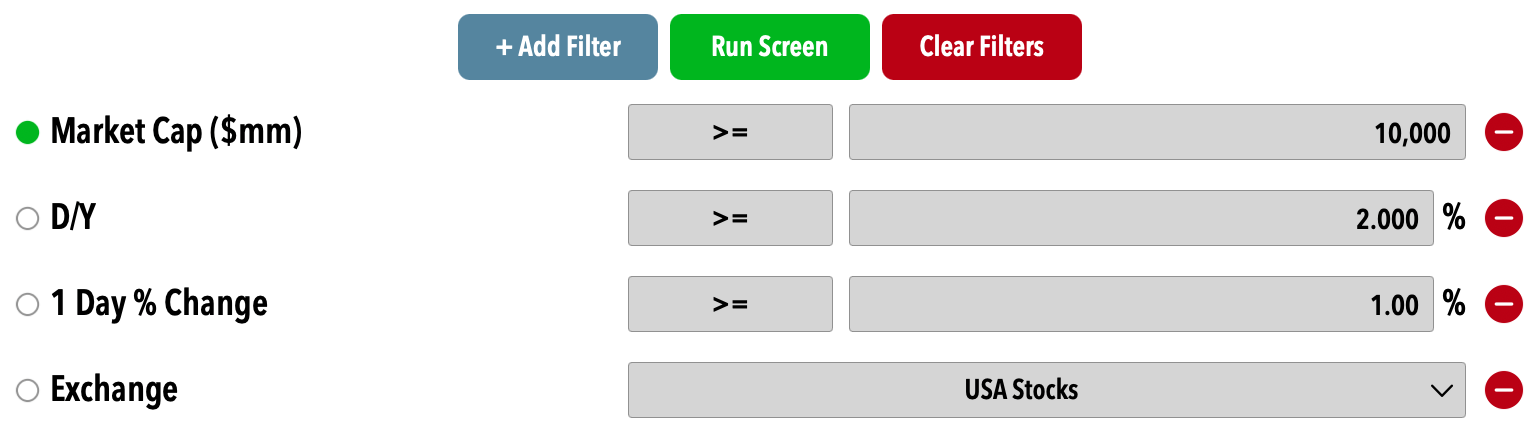
Screen all securities by various parameters: Market Cap, Sector, D/Y etc.
Once you have a list of results click on a line and a menu allows you to quickly add the chosen security to the current Live list, go to the Study section, plot its chart and read the news
The search screen allows you to find the symbol for any security you are looking for
You can filter the results by type of security and you can sort all the result by any of the fields
Select a security to display a box with the details and add it to your Live list with one click
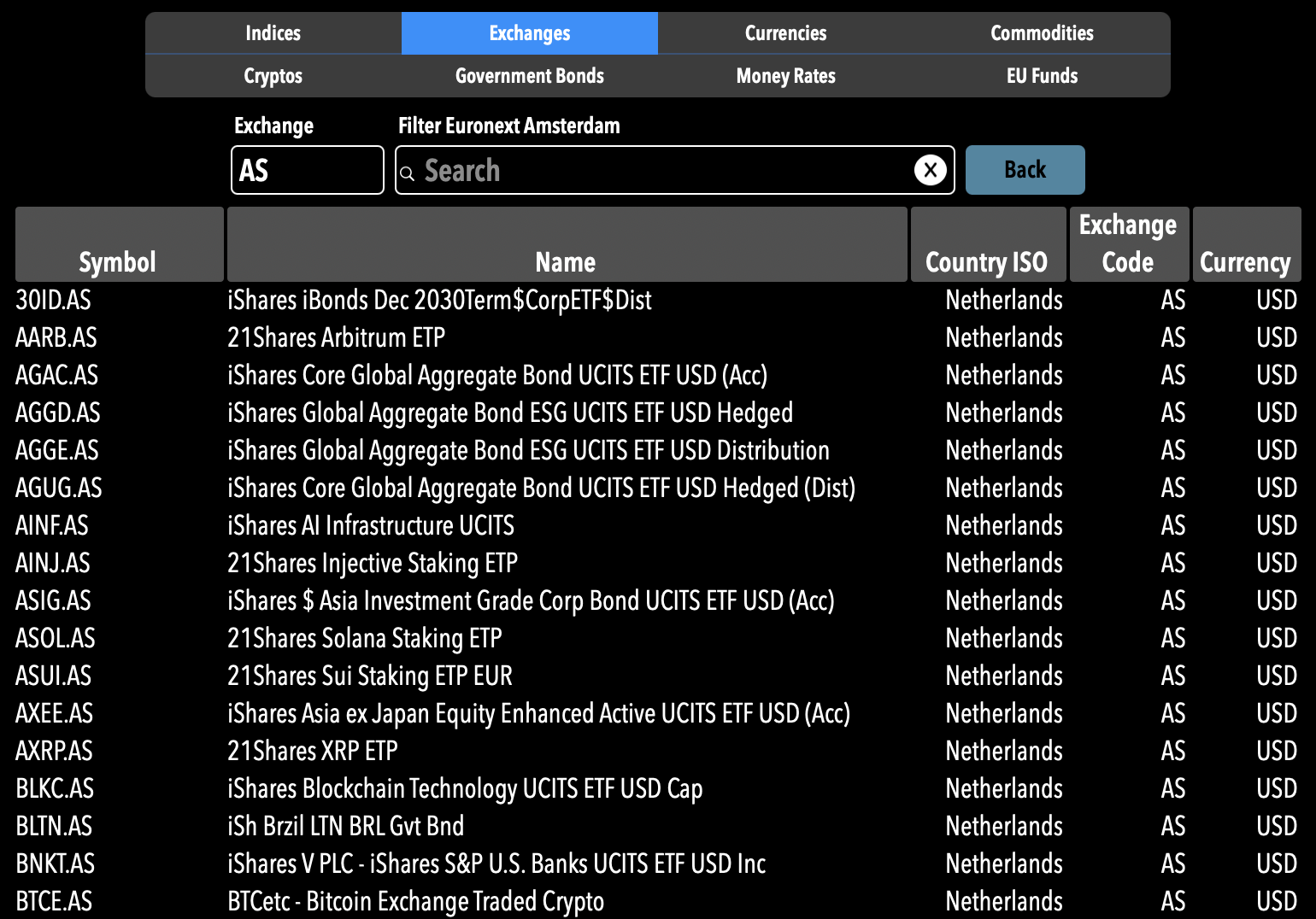
The Explore section allows you to search all types of supported securities and exchanges
Select a type of security to explore (or exchange components) and you'll see all components of the list and you can filter them
For Exchanges and Indices you'll be able also to see all components by clicking on the line
Create a set of filters
Get the resulting list