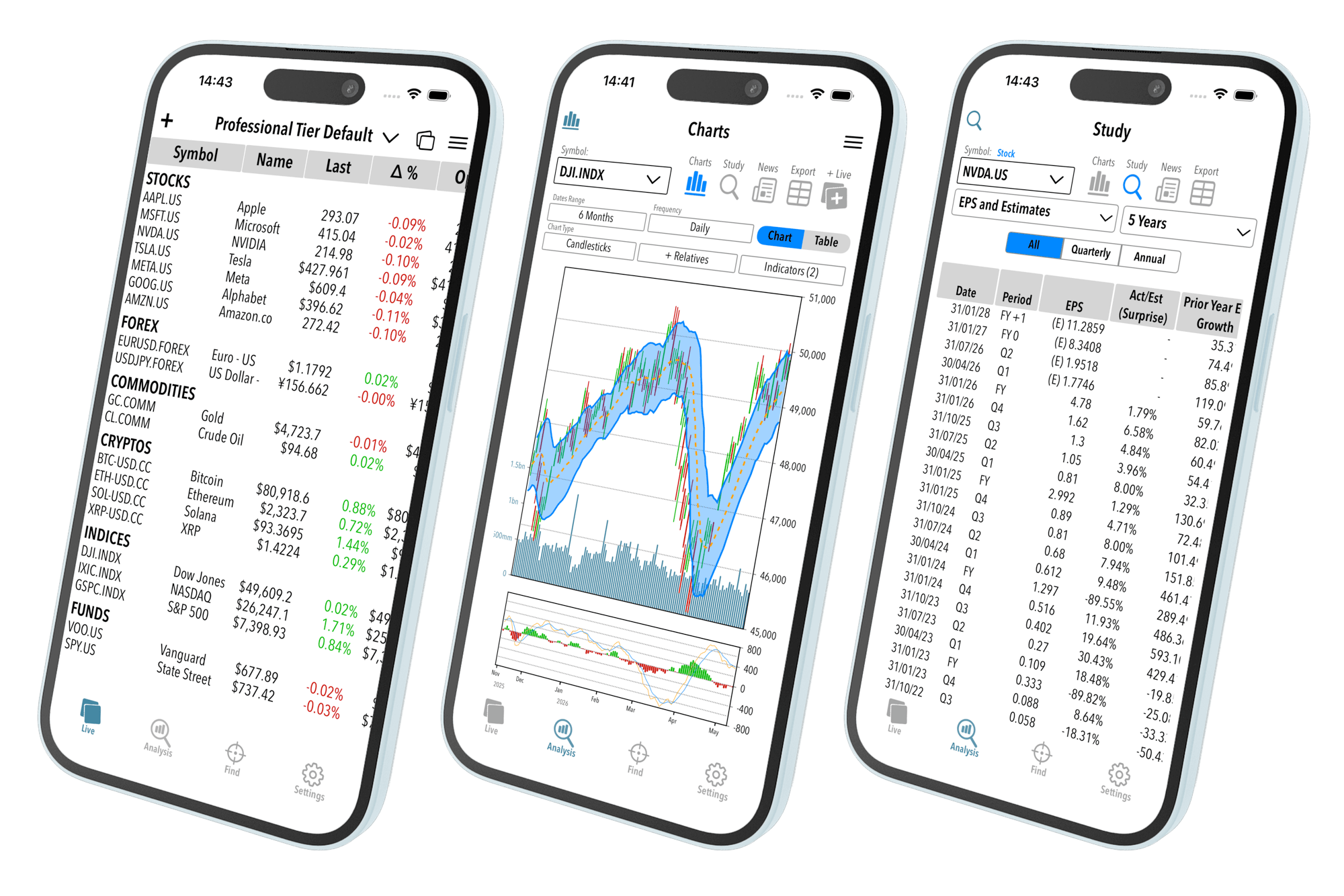
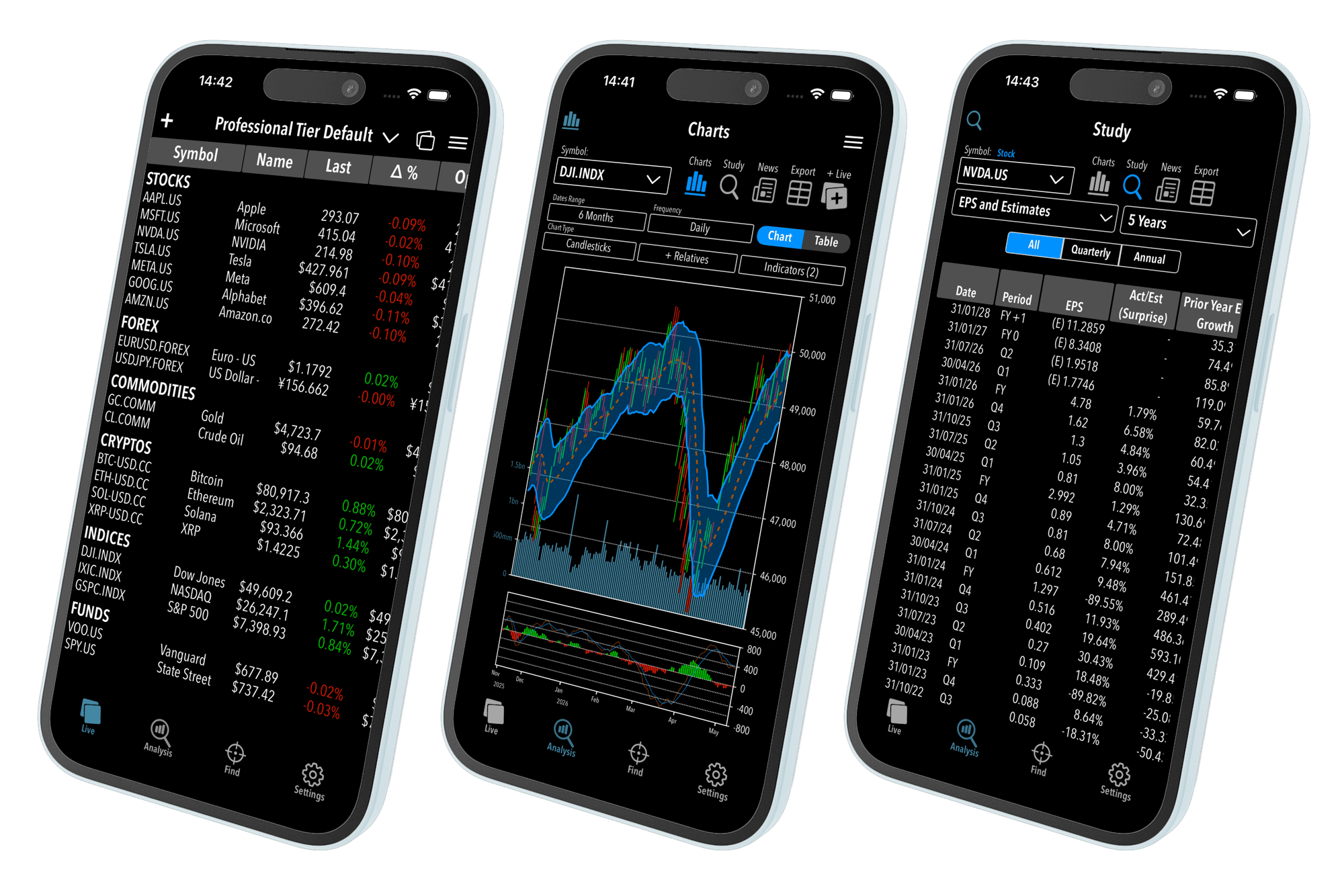
Professional Market Workstation
For All Your Devices
Soon Available on the App Store
Investment grade tools in a private and secure environment
Integrated workstation for a deep and complete analysis of all markets
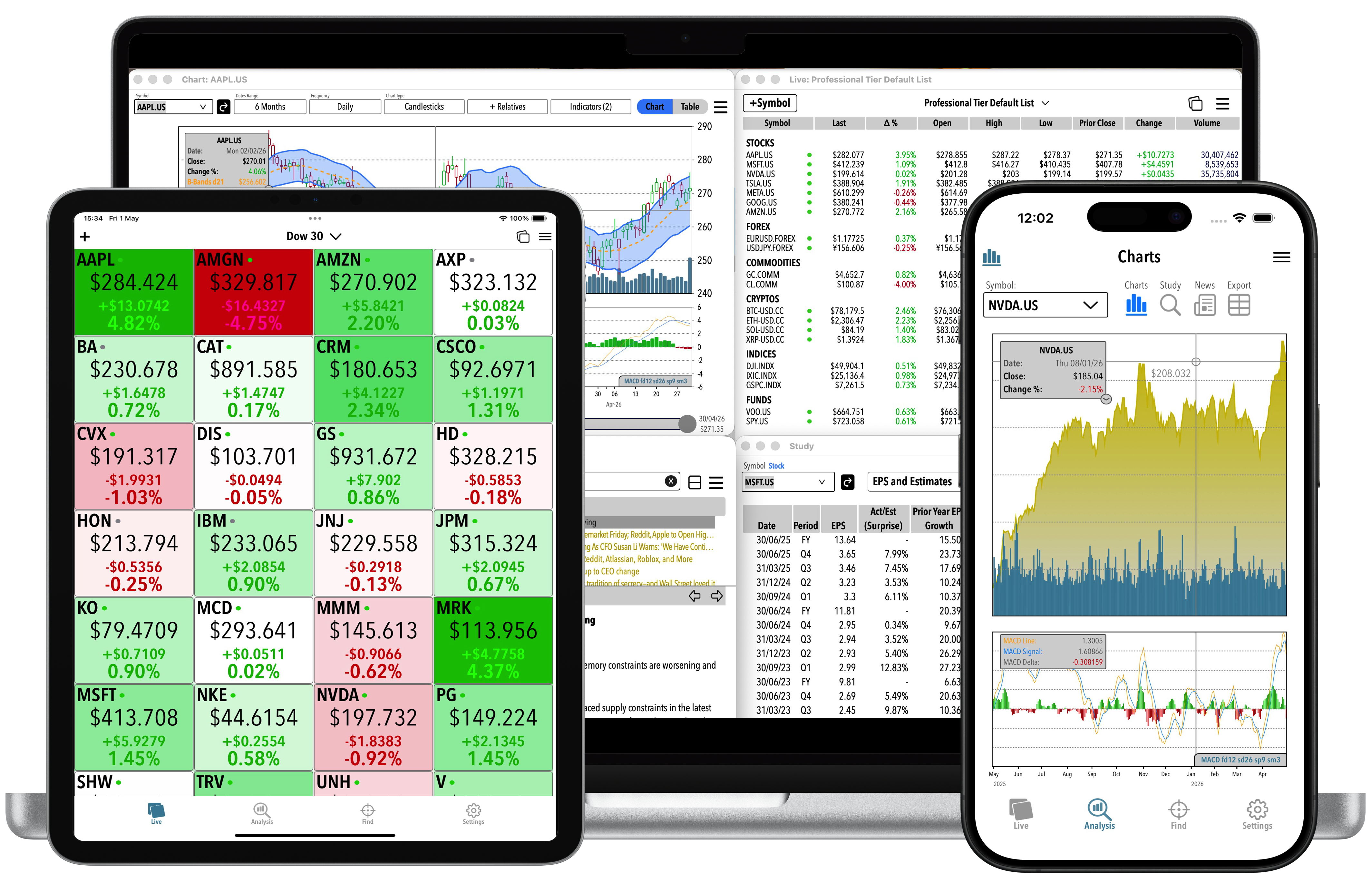
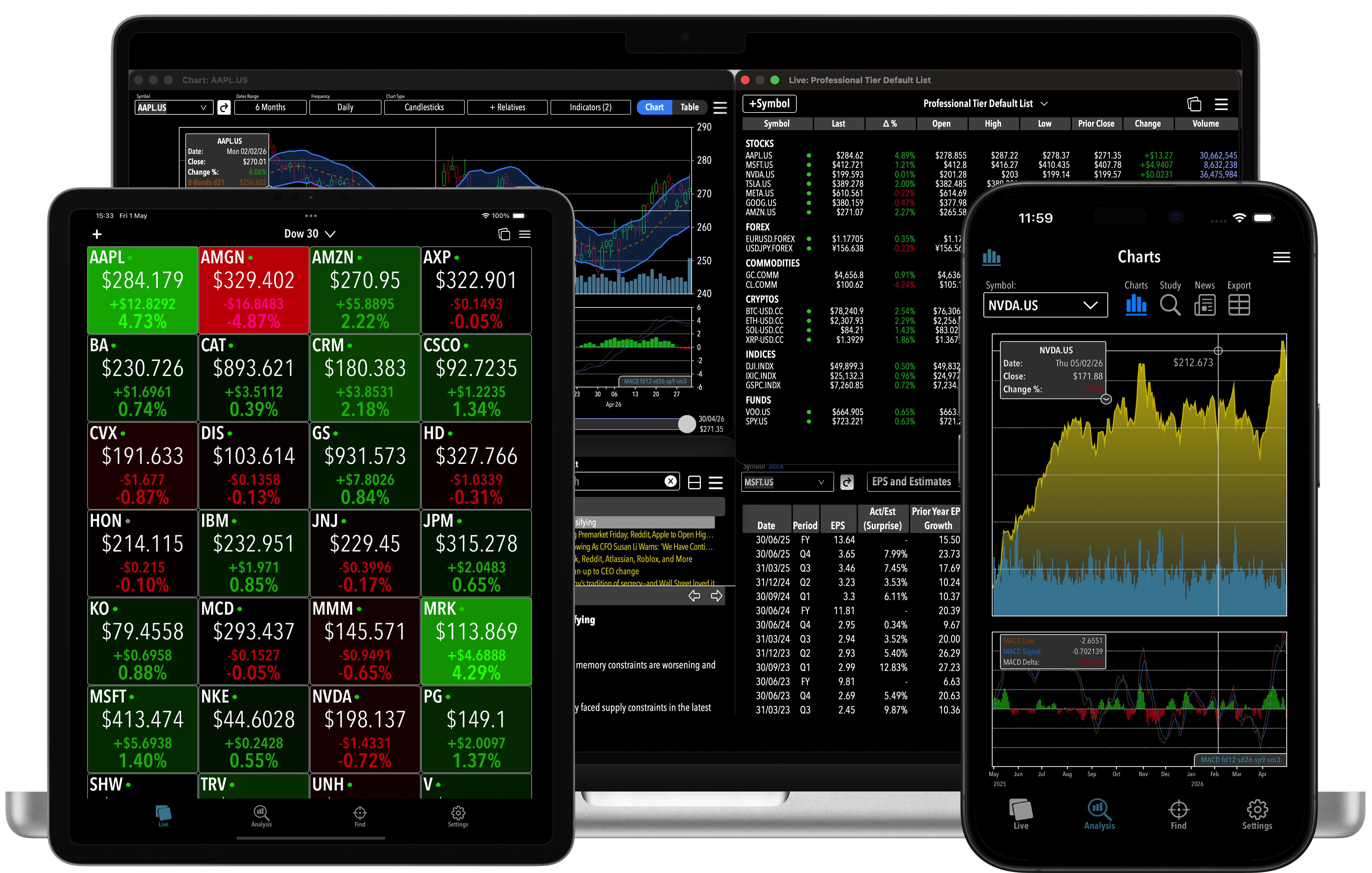
Seamless experience on all devices
Your data stays yours
Bankers coding real market tools
Set anything the way you want to see
Seamless experience on all devices
For all your devices
Intuitive and impactful interface
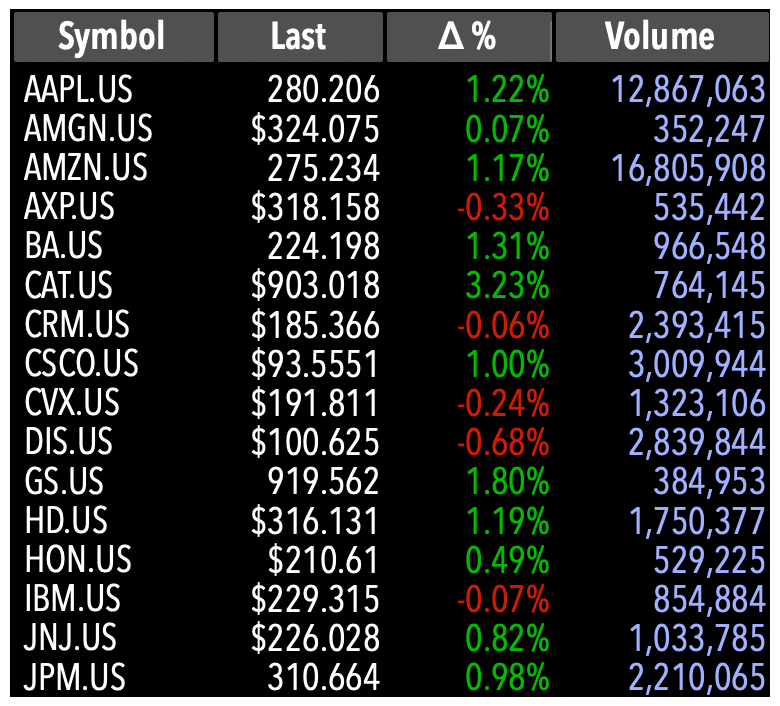
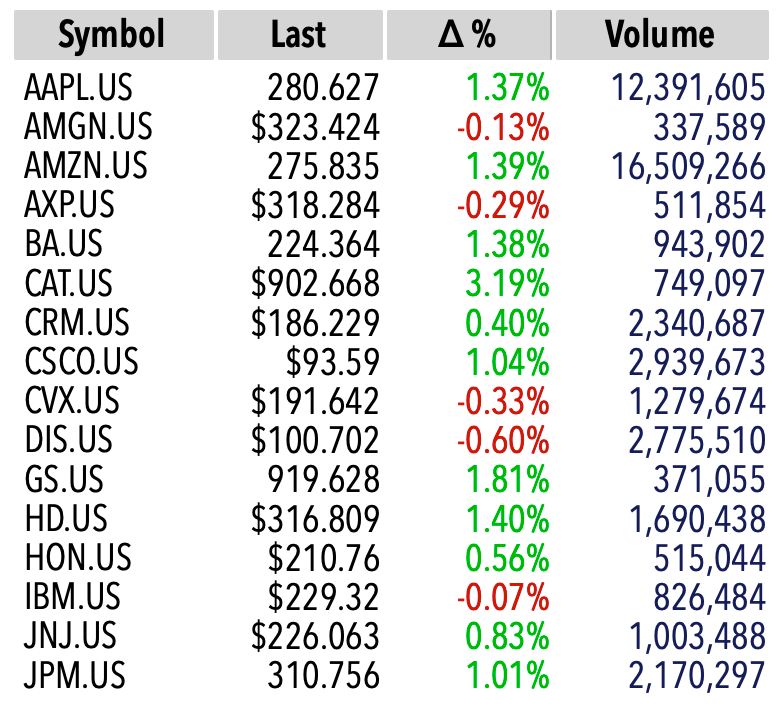
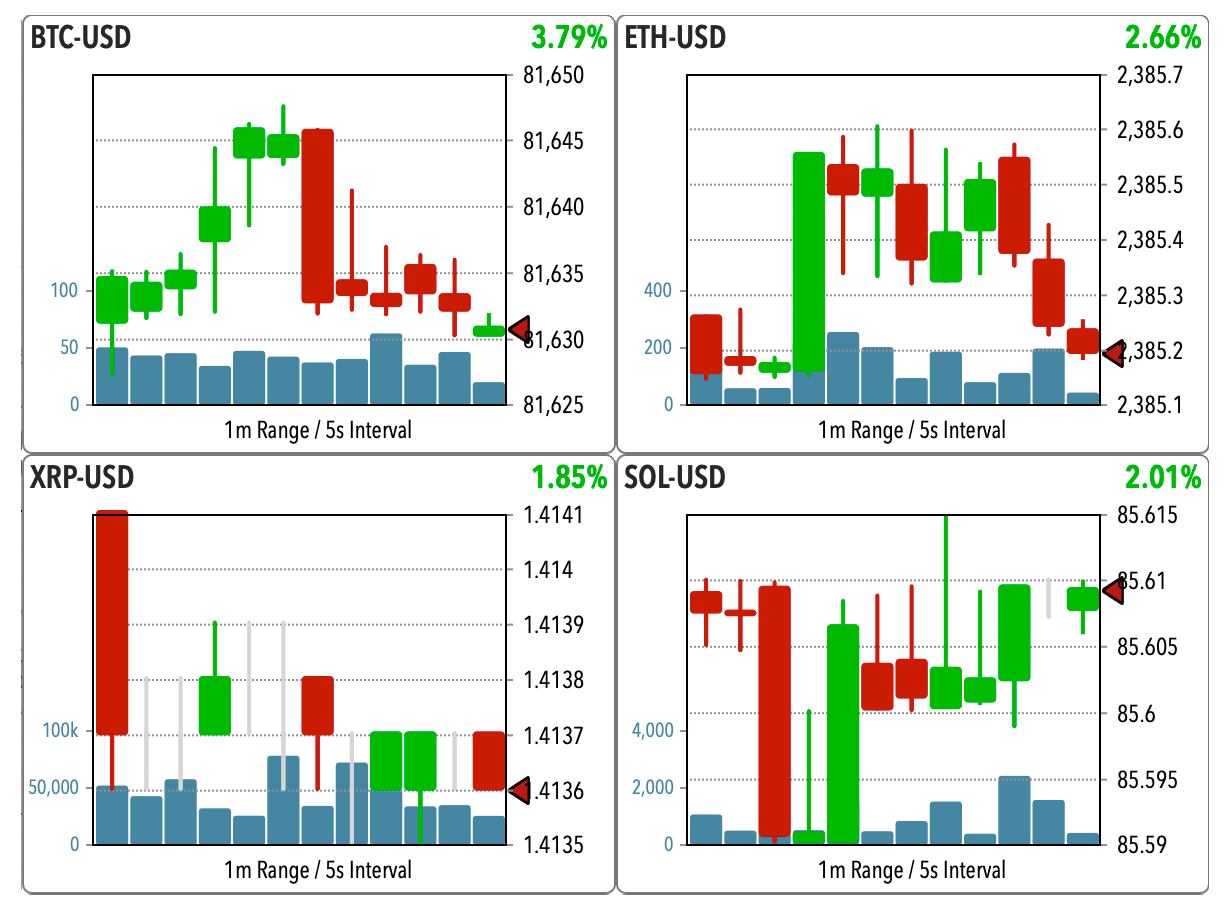
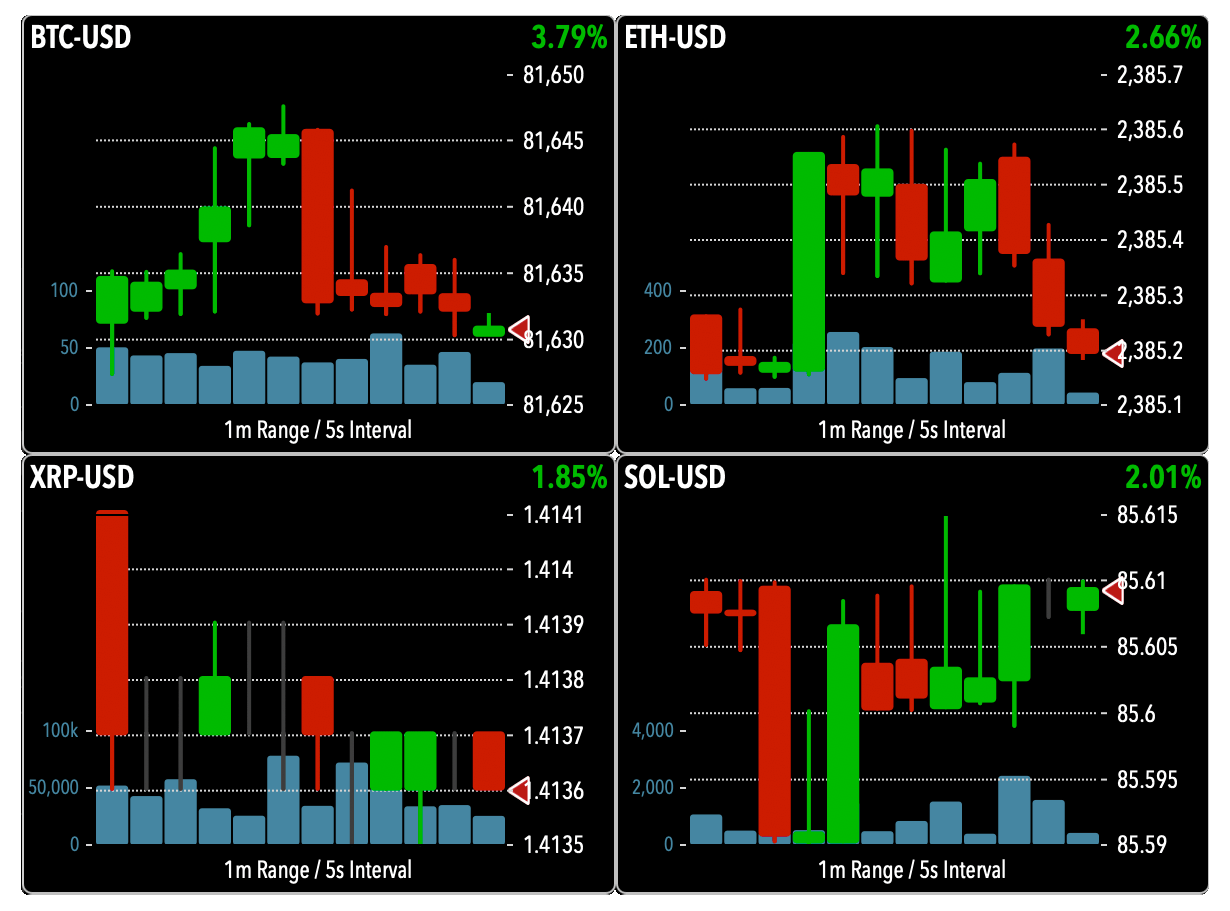
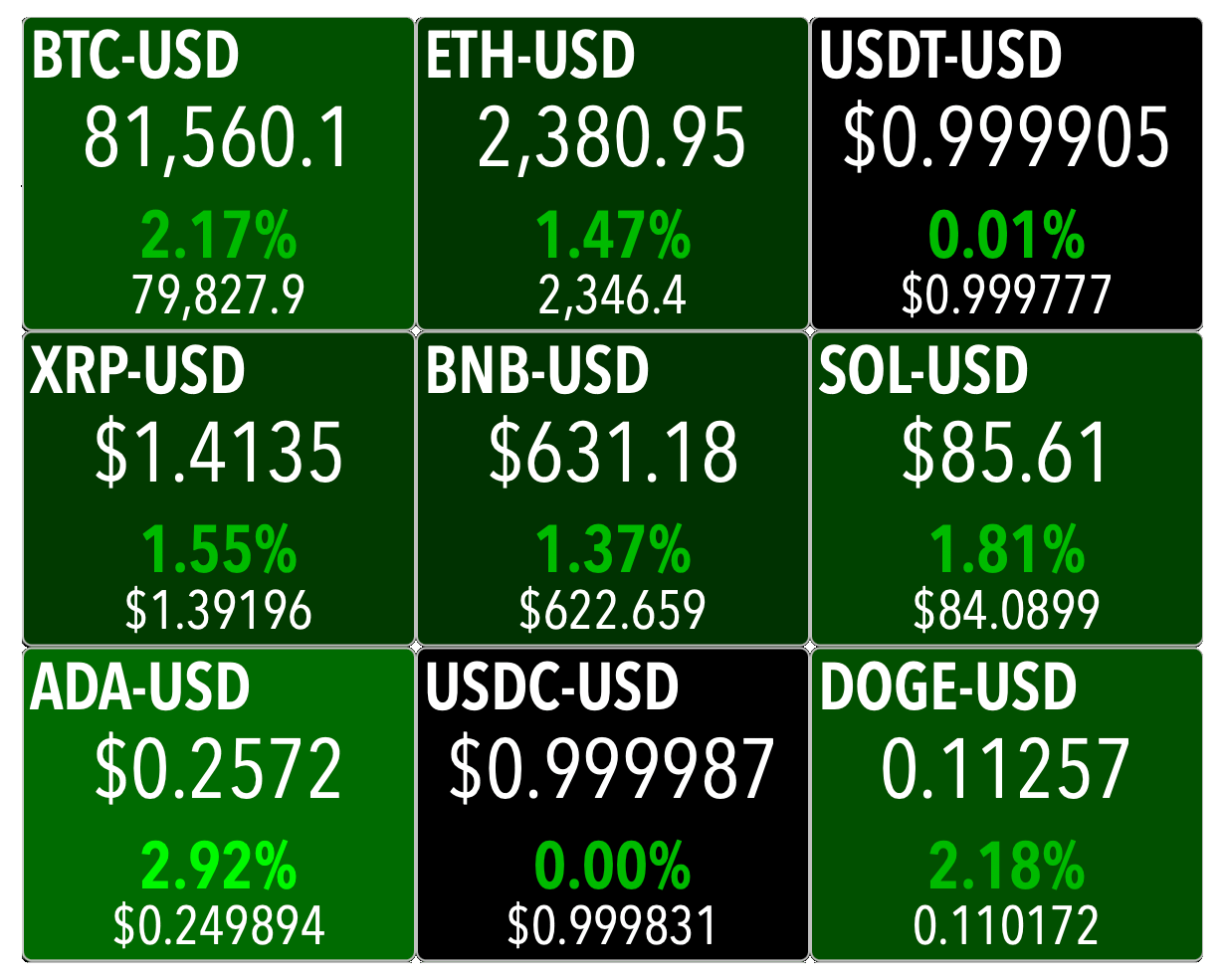
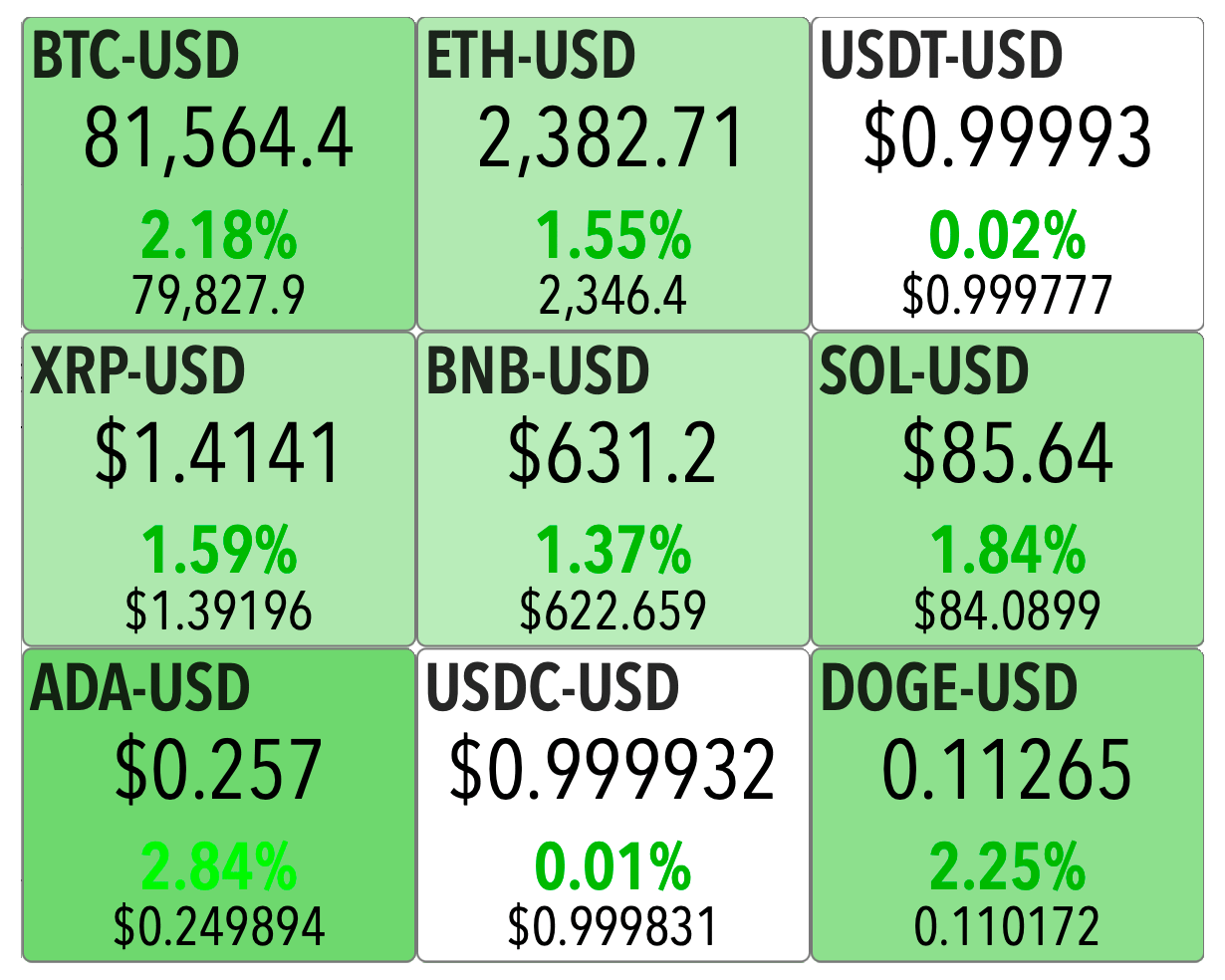
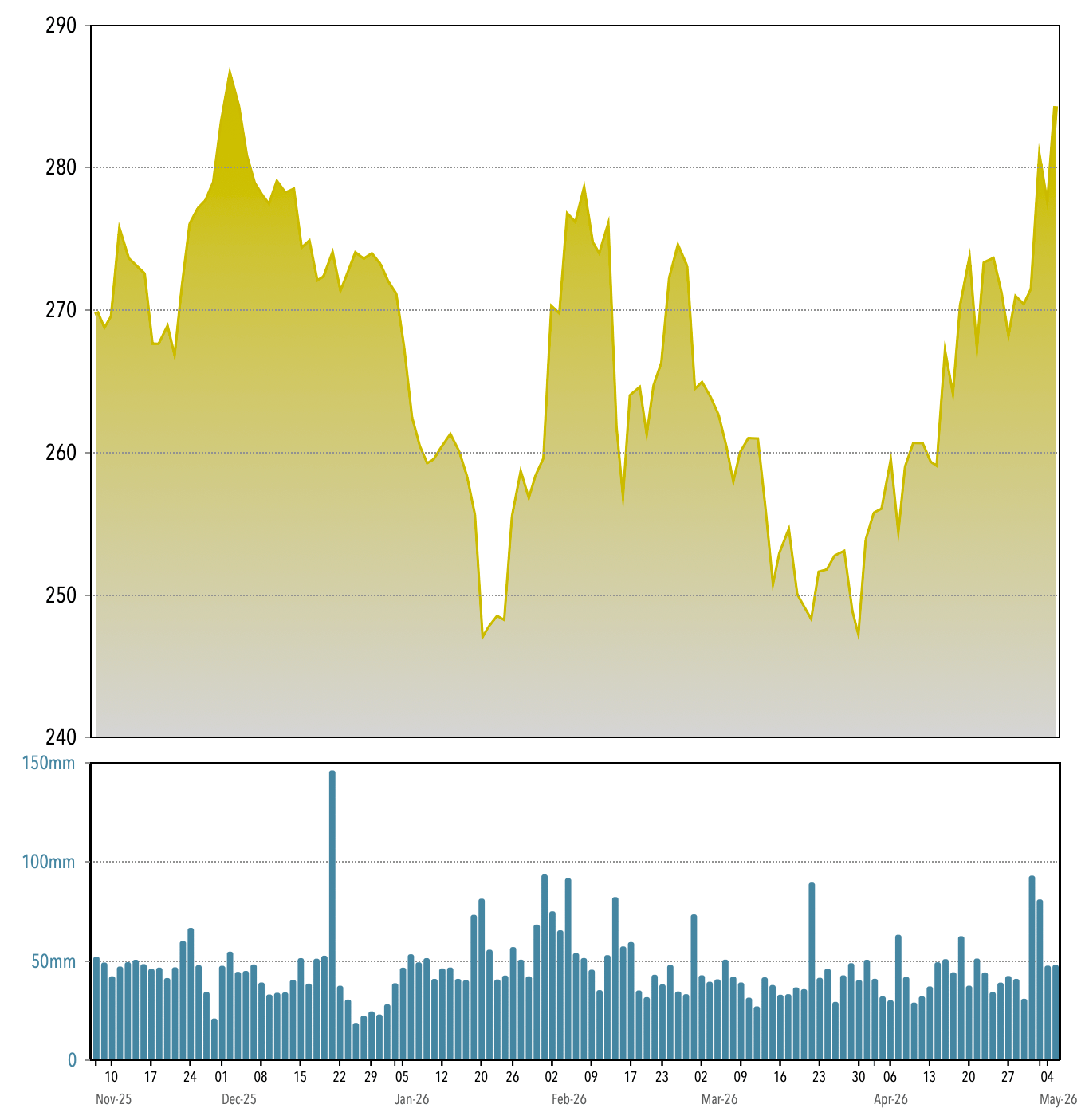
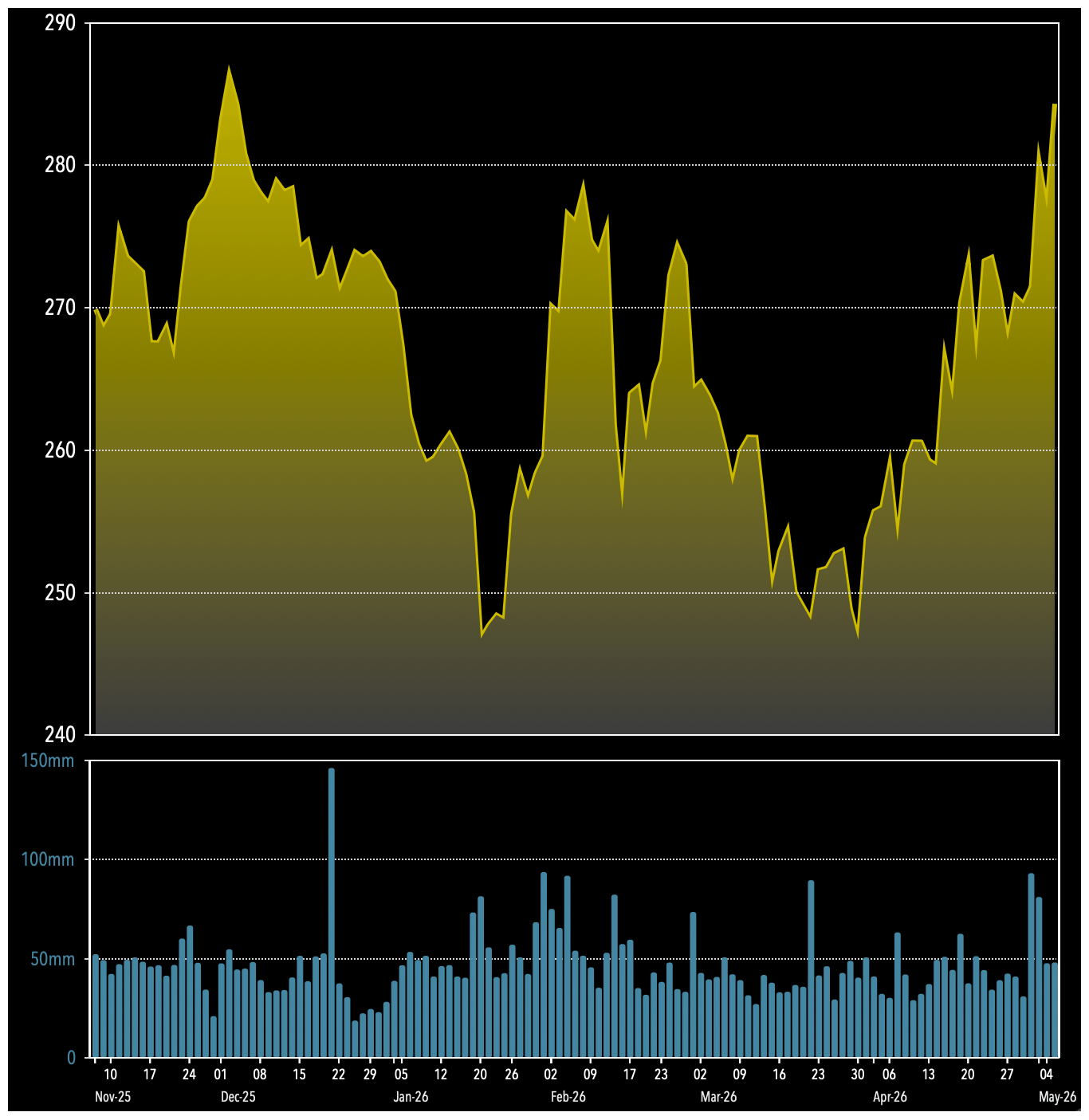
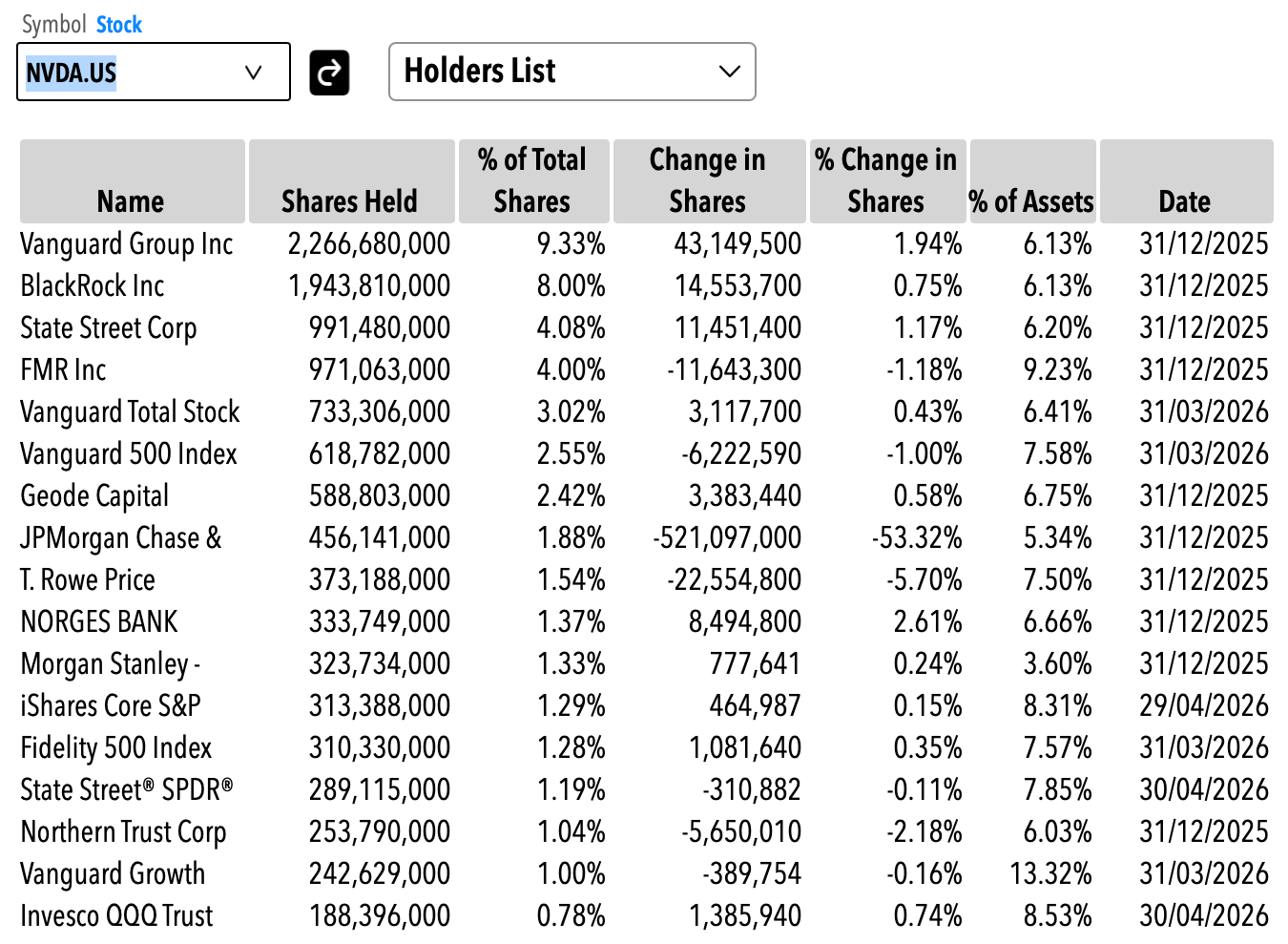
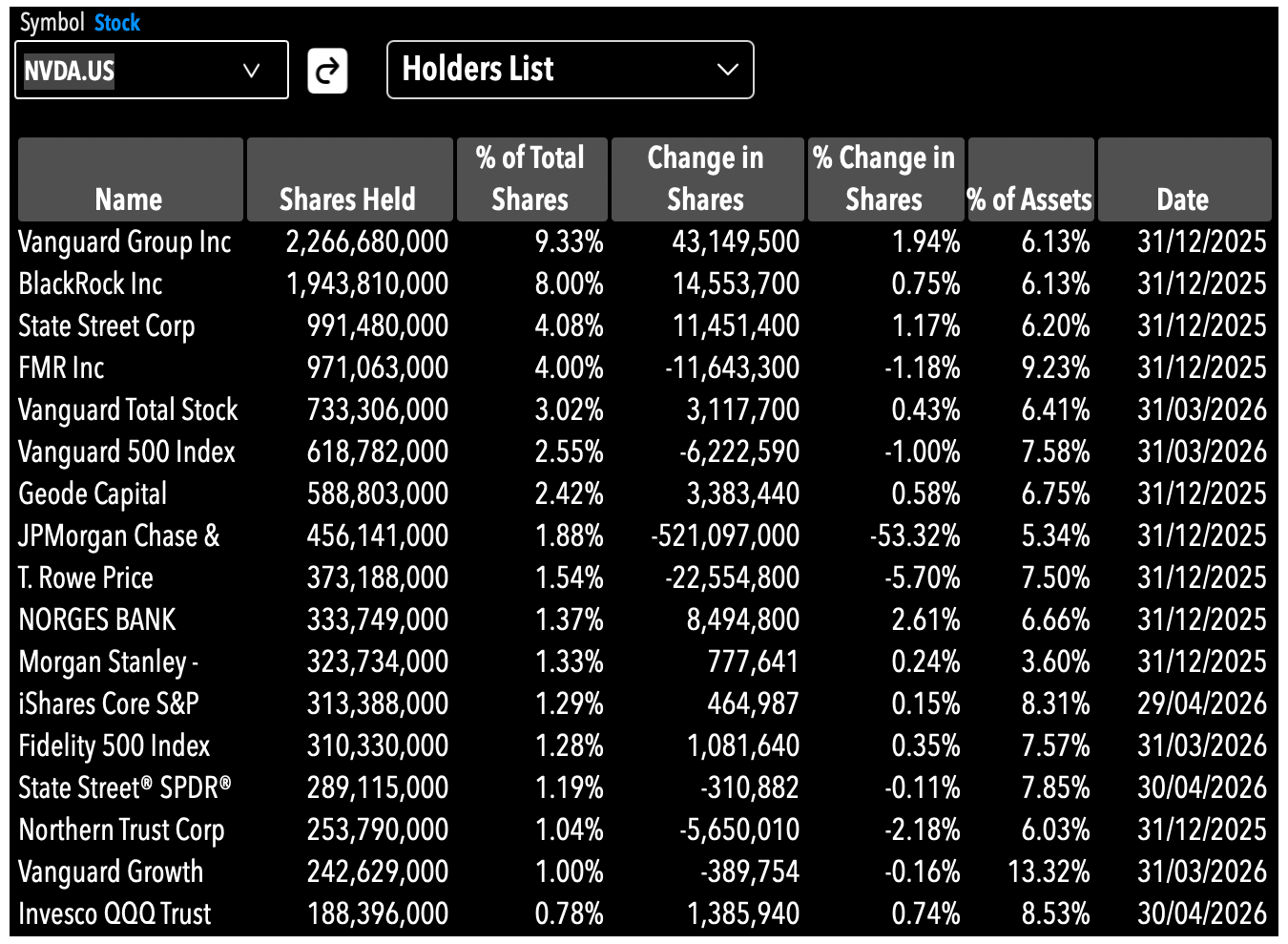
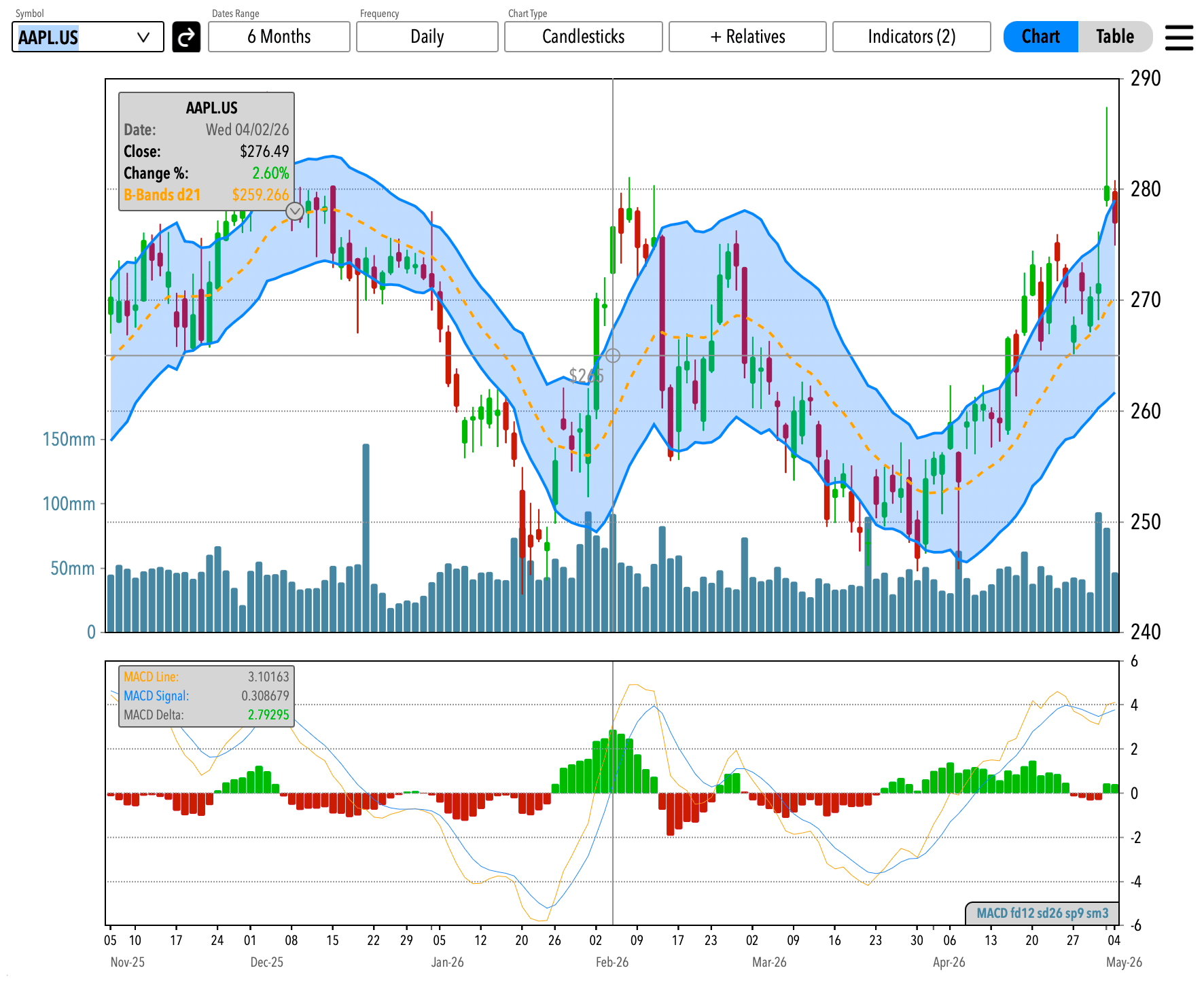
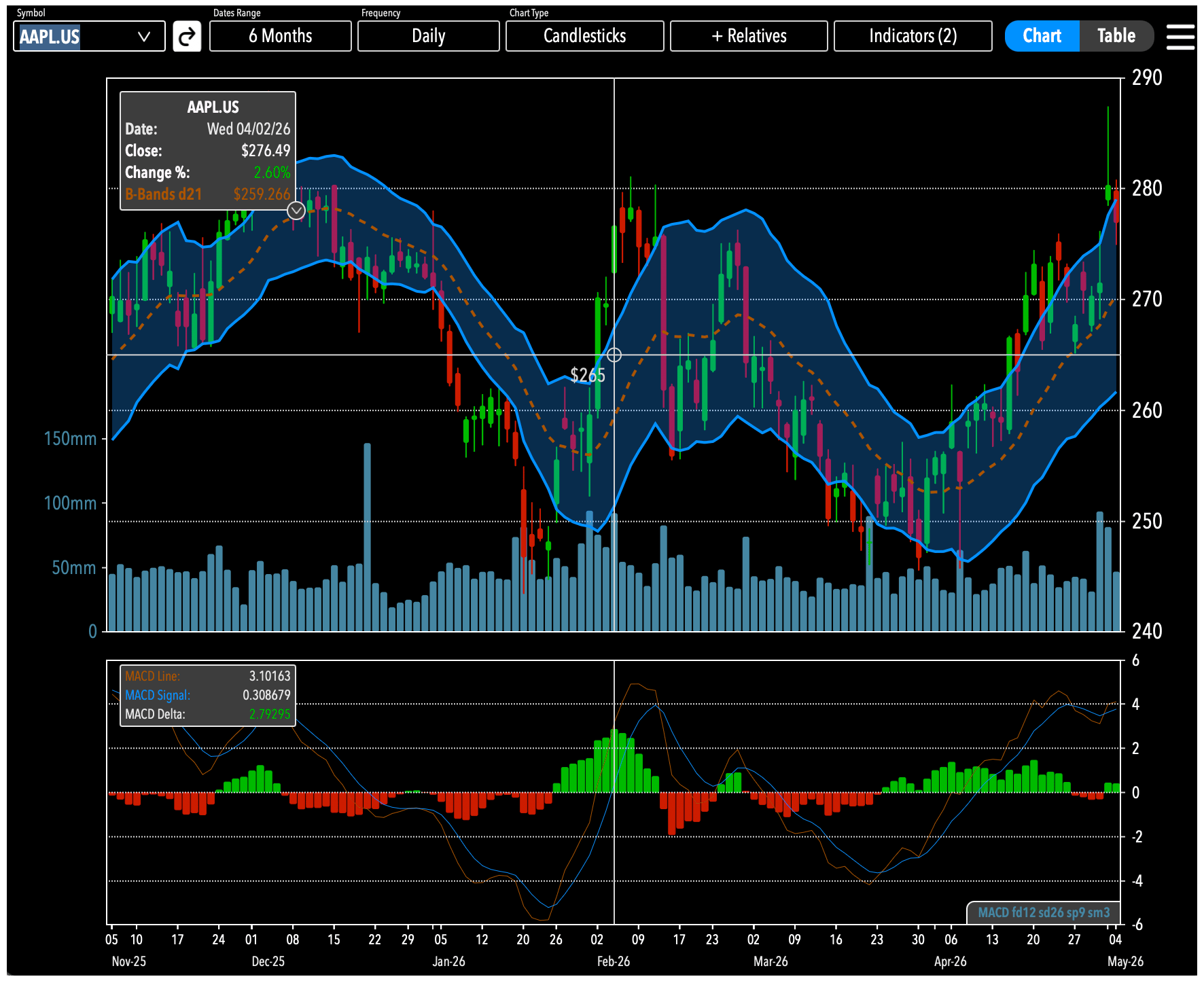
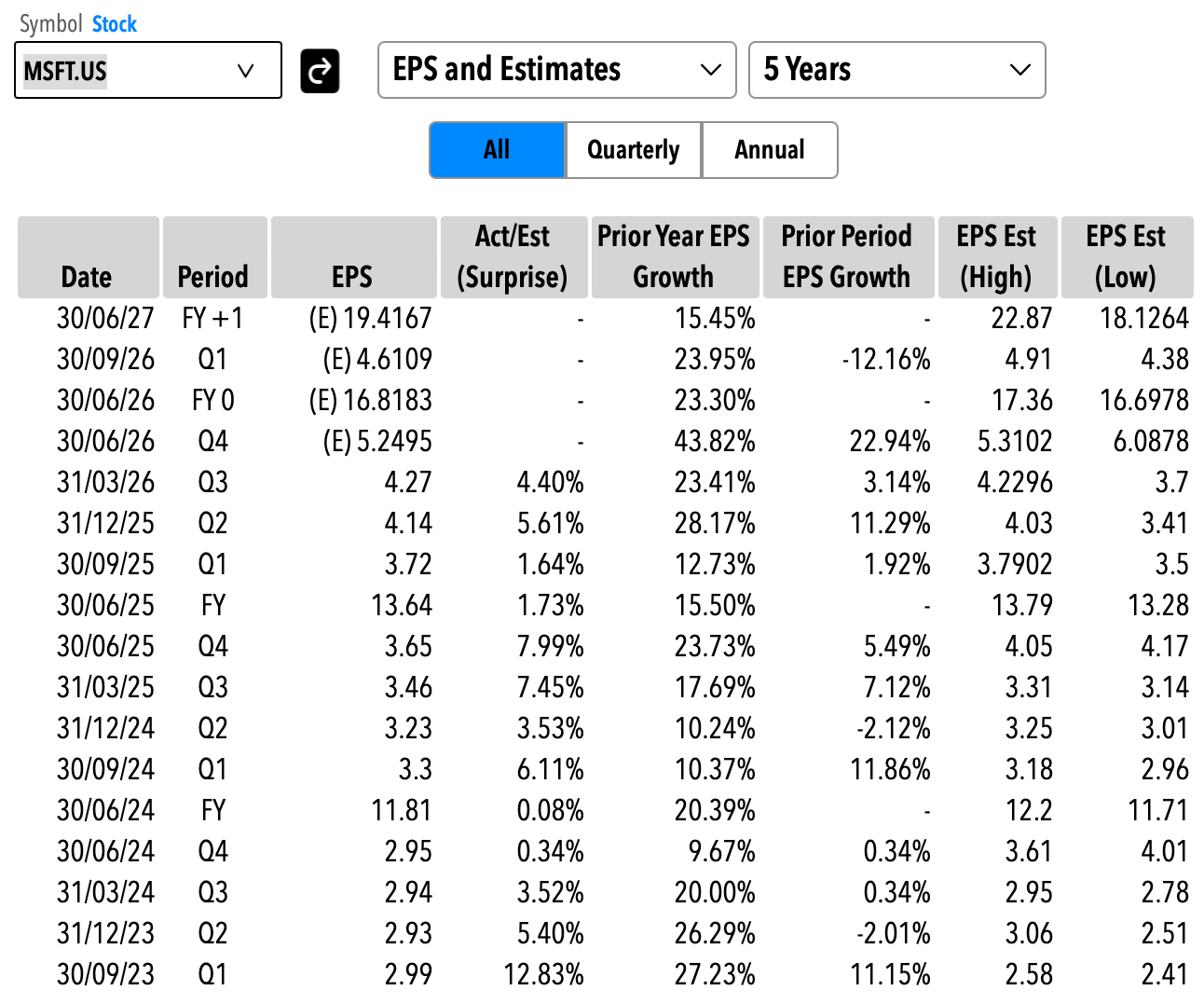
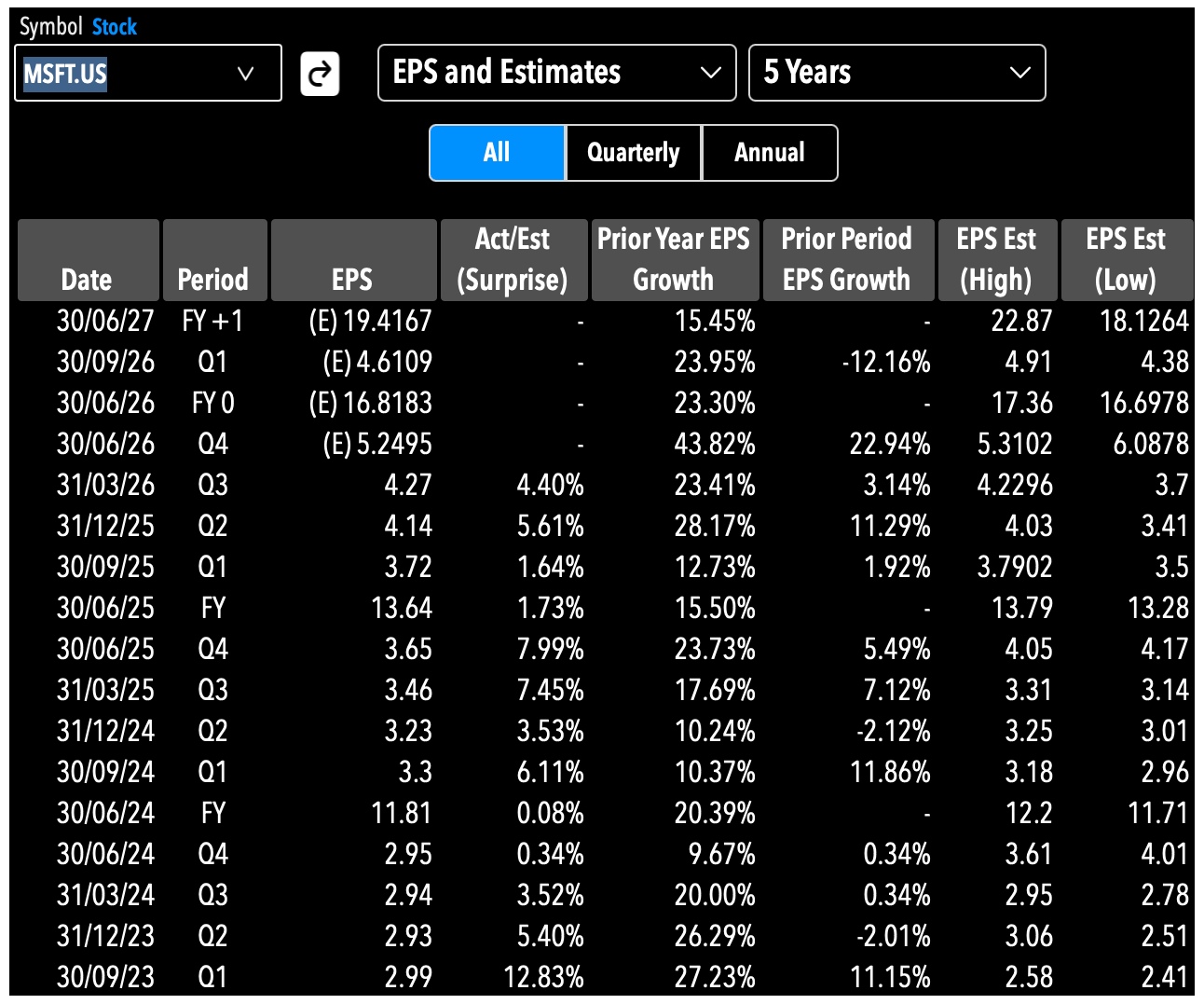
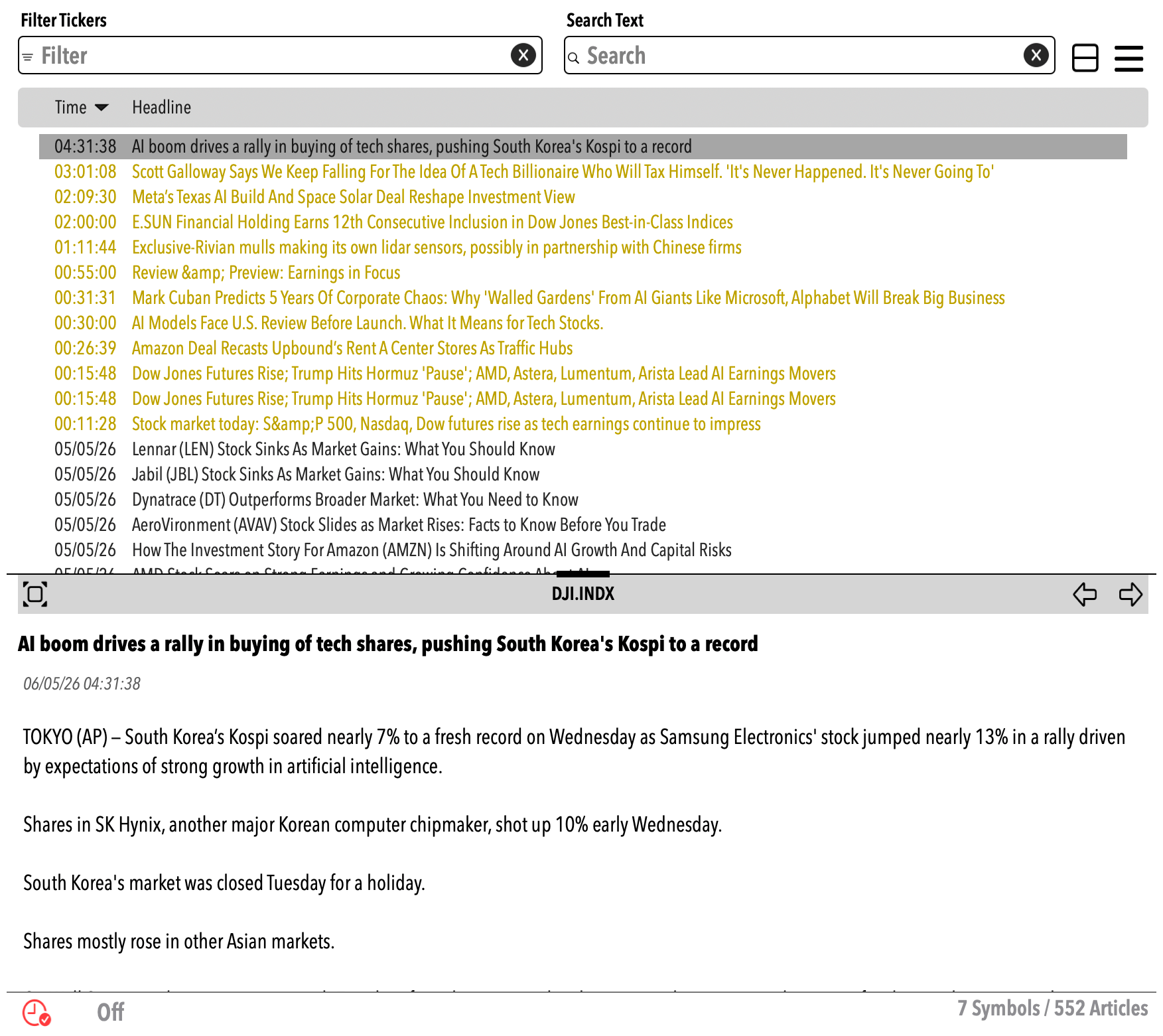
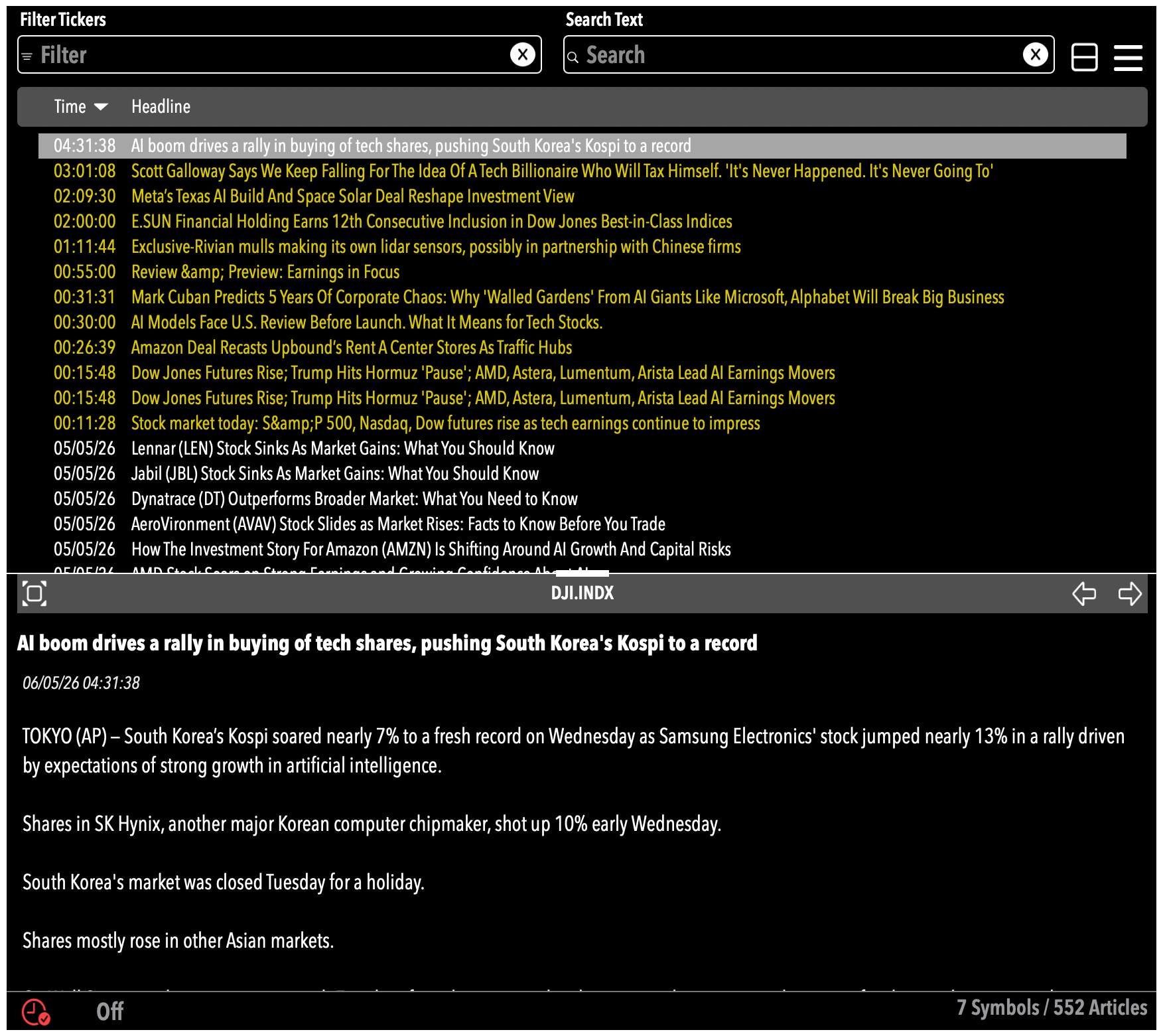
Analystick is for market participants wanting a platform that allows them to focus exclusively on their work. Its a fully fledged suite of market tools that allow you to watch market movements live, analyze historical data in detail, develope tailored charts, read news as they are published, export data in .csv and much more. There is no advertising, no broker offering zero-fees trading, no social network advisors. Analystick is on par with the high end professional workstations found on the largest trading floors in the world, made accessible at a much lower cost.
Analystick is a platform for your data. By using your API key with your data provider, Analystick transforms rest-API calls and web-sockets connections into a high end workstation which is clear, intuitive, graphically driven and native to the Apple system. Once you subscribe to a data plan from one of the supported providers, you are ready to go. There is no programming needed, its plug and play. Analystick takes care of everything, from network connections to data adjustments.
We select the data providers we want to support on the basis of several considerations: geographic coverage, accuracy, breath of data provided, asset classes, real time quote availability and many other variables that we feel can make the Analystick experience a professional and effective tool for our customers. We currently support data feeds from EODHD, which fulfils our criteria and we continuously engage with them to further optimize their dataset. Also, EODHD has a wide selection of plans, suitable for every need and competitively priced.
To get started with Analystick, first download the app from the Apple App Store for the device you intend to use: we have both an iPhone/iPad native app as well as a Mac native app. You can also download both as our subscription plan covers all the devices you want to use. You only pay one monthly fee and you can utilize Analystick on any device.
Once you have the app, launch it and go to the Register page (its a button at the bottom left of the first page you land on once you launch the app).
In the Register page fill in your data. Make sure you use an email address you have access to as it will be used for validation.
Once you press the Register button, you will receive an email from us asking to confirm the registration by clicking a button in the email.
Once your registeration is confirmed you can go back to the log in page and put your credentials and you are good to go
The first time you log in your will be asked to select a subscription plan. We would recomment you chose the 2 weeks free trial for the Professional Plan so you can explore all the features in Analystick.
Once you have selected the plan and confirmed it via the app store confirmation, you will be asked to accept the Terms and Conditions and the privacy Policy which are available for you to read.
Once you have done that you enter in the app, landing on the Live page, which will include a sample list of securities to get you started
Entry level tier designed for limited market monitoring
Intermediate level tier offering limited functionality of all available tools
Top level tier, with full functionality of all available tools